Troubleshooting
This page collects the errors most commonly encountered when installing and running TG Support Bot, with their root causes and concrete steps to resolve them.
Webhook settings keep getting reset
If the bot stops working a couple of days after the webhook is connected, the problem may be related to the VPS IP address being blocked by Telegram.
Try the following:
- Delete the existing webhooks
https://api.telegram.org/bot{{TELEGRAM_TOKEN}}/deleteWebhook?drop_pending_updates=true- Connect the webhook with the VPS IP address specified. Example of a full request.
https://api.telegram.org/bot{{TELEGRAM_TOKEN}}/setWebhook?url={{TELEGRAM_WEBHOOK}}&max_connections=45&drop_pending_updates=true&secret_token={{TELEGRAM_SECRET_KEY}}&ip_address=111.222.33.44SSL certificate setup fails
Certbot or another ACME client cannot obtain a certificate because port 80 is held by another process (usually the system Nginx).
Check which process is using port 80:
sudo netstat -ltnp | grep -w ':80'If the system Nginx is holding it, stop it:
sudo systemctl stop nginxThen re-run the certificate issuance.
Error: Failed to open stream: Permission denied
Laravel cannot write to the log file because of insufficient permissions on the directory.
Go to the project root and fix the permissions:
sudo chown -R 775 storage/logs/laravel.logError: require(autoload.php): Failed to open stream
Composer dependencies are not installed — the vendor directory is missing.
Container log output:
laravel_queue  | PHP Warning:  require(/var/www/vendor/autoload.php): Failed to open stream: No such file or directory in /var/www/artisan on line 10
laravel_queue  | PHP Fatal error:  Uncaught Error: Failed opening required '/var/www/vendor/autoload.php' (include_path='.:/usr/local/lib/php') in /var/www/artisan on line 10
Install or update the dependencies:
composer updateError: MissingAppKeyException
The APP_KEY variable in .env is not set or is empty — Laravel cannot perform encryption.
Generate a new application key:
php artisan key:generateError: file_put_contents
The directory owner does not match the user the web server runs as, so PHP cannot write the file.
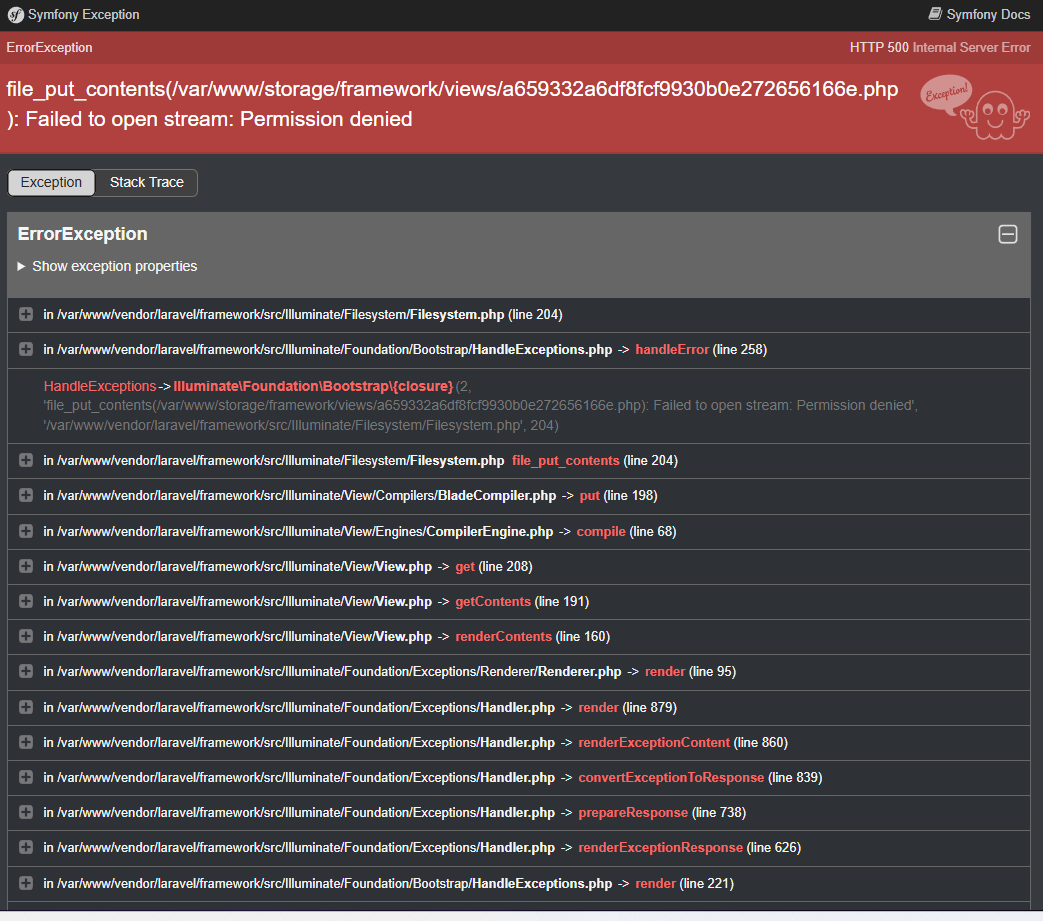
Go to the directory that contains the project root folder:
cd /path/to/parent/directoryRecursively transfer ownership of the directory to the www-data user:
sudo chown -R www-data:www-data directory_nameThe PgSQL database container does not start
When started via docker compose, the pgdb container exits with a data format incompatibility error — usually after the PostgreSQL image is updated.
Output of docker compose logs pgdb:
Error: in 18+, these Docker images are configured to store database data in a
       format which is compatible with "pg_ctlcluster"...
       Counter to that, there appears to be PostgreSQL data in:
         /var/lib/postgresql/data (unused mount/volume)
       This is usually the result of upgrading the Docker image without
       upgrading the underlying database using "pg_upgrade"...
A detailed solution is described in the GitHub discussion.